Layer 2 / 4 · The toolkit

The toolkit: no more retyping.

Agents read and write in your ERP, your shop, your accounting and your mail. With fixed rights and a check after every change, also without the Brain.
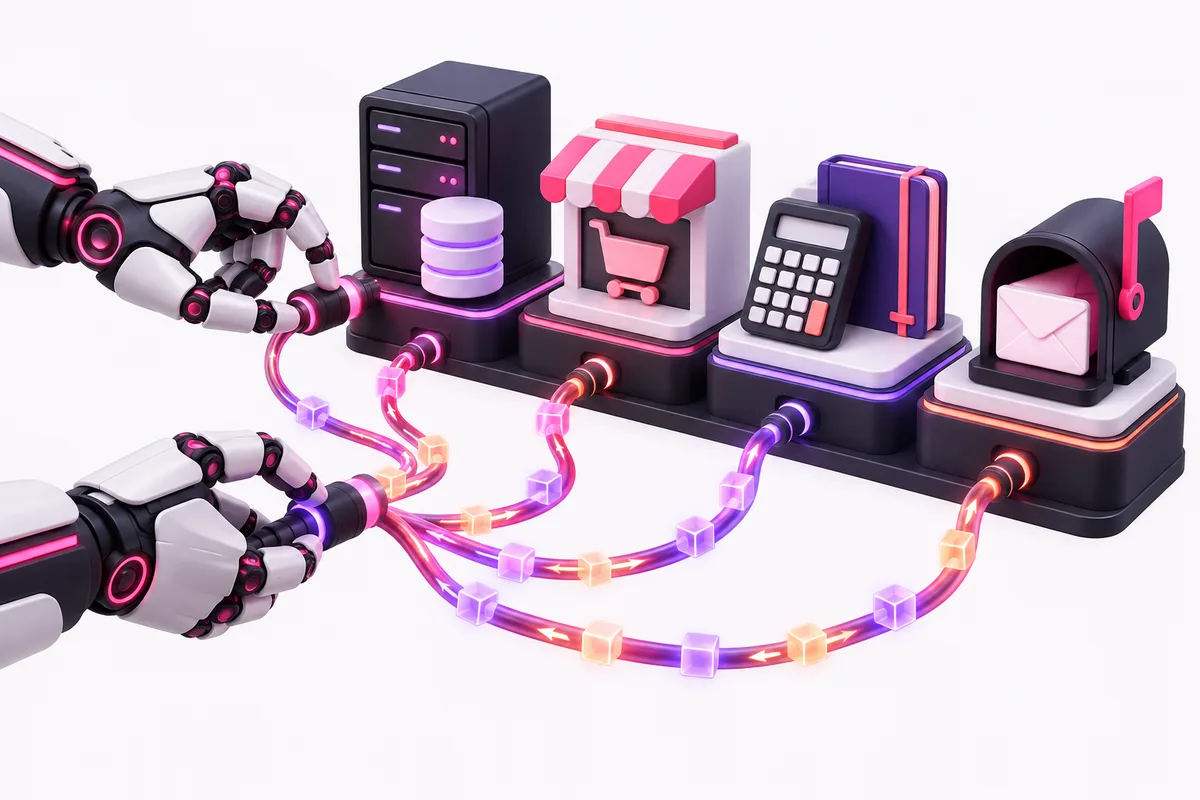
Two robot hands connect cables to a server, a web shop, a calculator, a folder and a mailbox.
01 / An example of how it works

From price list to a change in your ERP.

  1. 01The work comes in

    Read

    A supplier sends a new price list. The agent reads the PDF and compares every line with your ERP. You get only the changes, with the source for each line.

    Per lineWith source
    Example: a price list as a PDF becomes a list of only the changes, each with its source. EXAMPLE PDF CHANGES Price changedsource New itemsource Price changedsource
  2. 02You stay in control

    Approve

    For each line you see the proposal and the source side by side, and you approve. What goes to a customer is always approved by a human.

    Per lineHuman check
    Example: the proposal and the source side by side, with an Approve button and a Skip button. PROPOSALSOURCE Price changedPDF, page 2 New itemPDF, page 4 Approve Skip
  3. 03Always checked

    Write and read back

    The agent writes the change into your ERP and immediately reads back what is there now. If it differs, the agent stops and reports it in the Control panel.

    After every changeRead back
    The agent writes and reads back. If it matches, the task is done. If it differs, the agent stops and reports it in the Control panel. Write Read back Matches: done Differs: stop Every stop shows in the Control panel
02 / Which systems

Works with the systems you already have.

When your system has an API or an export, it usually works too. A reply to a customer lands as a draft in your inbox, never sent directly.

Systems from our own client work.

The toolkit in the middle, connected to four kinds of systems: ERP, shop, accounting, and mail and calendar. ERPBackend ERP and more ShopShopify Accountingyour own package Mail and calendarOutlook, Google The toolkit
03 / The limit

Decide upfront what needs approval.

An agent that handles everything by itself goes wrong one day. That is why the limit is fixed before we build, in the contract and in the Control panel. A new system is a new agreement.

What the agent never does: go to a customer without a human, write without reading back, use more rights than the task, delete anything, work outside the agreed systems. NEVER To a customer without a human Write without reading back More rights than the task Delete anything Outside the agreed systems
04 / Questions

Questions about the toolkit.

Our system has no API. Is it still possible?
Often yes. The agent then reads the export and prepares the import file. Importing it stays one click by a person.
What if our ERP vendor does not allow the integration?
Then we do not build it. We work with the official API or export, never around it. You hear that in the Discovery call, before you buy anything.
How do I know what an agent changed?
Every change is in the Control panel: which run, which system, which line and the source. You can look back per run.
Discovery

What does a solid AI foundation bring your business?

We look at your processes together and identify the first place where AI pays for itself.