Layer 4 / 4 · Control panel
The Control panel: you stay in charge.
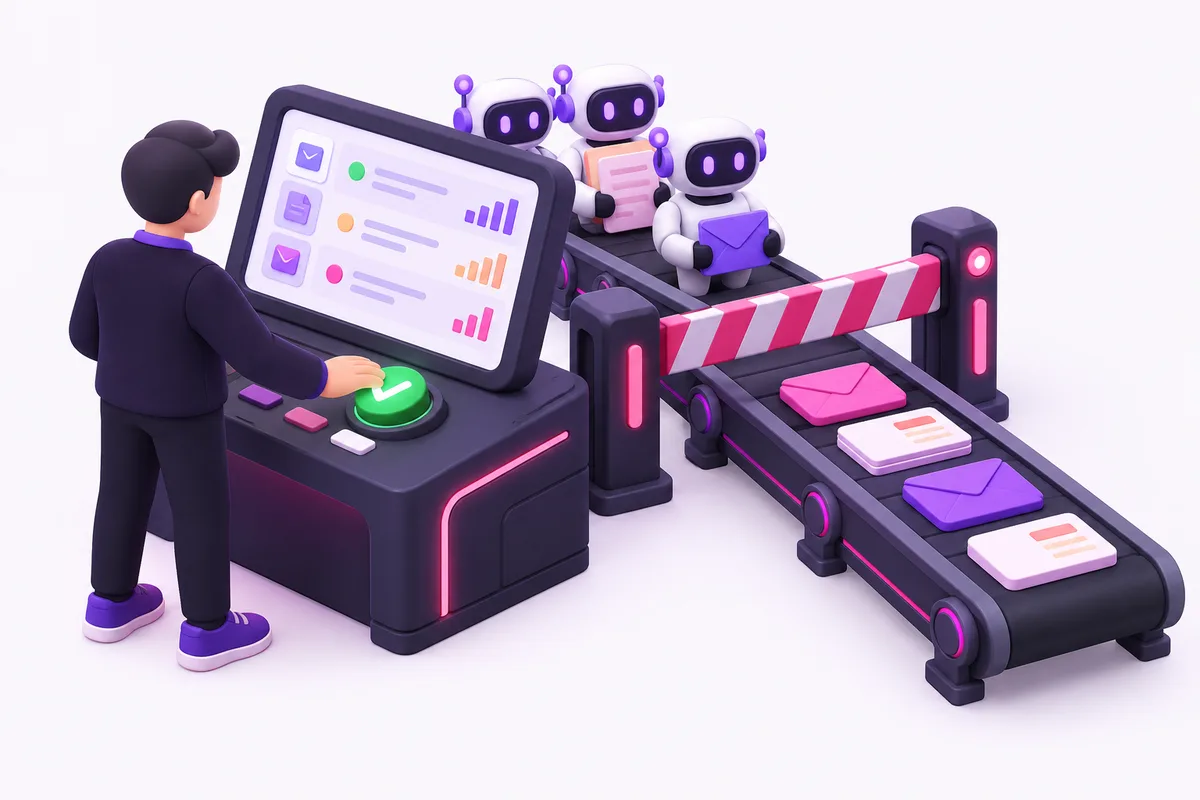
One screen where your team sees what the agents did. Nothing goes out without your approval.
38runs today
2waiting for check
0errors
| Agent | Status | Last run | Role |
|---|---|---|---|
| Meeting → summary | Done | 07:05 | Project lead |
| Read purchase invoices | Waiting for check | 07:12 | Administration |
| Supplier price check | Running | 07:20 | Purchasing |
| Sort requests | Done | 06:58 | Sales |
Invoice 2026-0931 · 3 lines deviate · human check neededView
01 / What you see
Three things, at a glance.
-
01What happens
Status per run
You see at a glance what is done and what is waiting. A stopped run says why, with the source next to it.
With sourceEvery run -
02Who sees what
Roles
Purchasing sees prices, administration sees invoices, management sees everything. A role also sets who may approve.
Who may approvePer role -
03Your approval
Human check
What goes to a customer, or writes into your ERP outside the agreed limit, is approved by a human. You see the proposal and the source side by side.
By defaultBefore anything goes out
02 / Every day
The screen where your team meets the system.
Every morning you see what the agents did.
In every ProjectIn every ongoing partnership
03 / Questions
Questions about the Control panel.
Is this yet another system for my team?
It is one screen instead of alerts from separate tools. It runs as a web app on your AWS, with the login your team already has.
Can the check go away later?
Per step, when the numbers allow it. In the Monthly cycle you see how often a human approved the proposal unchanged. Then you decide.
What do I see when an agent stops?
The run shows as “stopped”, with the reason and the source next to it. For example a deviation on read-back, or a system that did not answer.
Discovery
What does a solid AI foundation bring your business?
We look at your processes together and identify the first place where AI pays for itself.